Made with AI
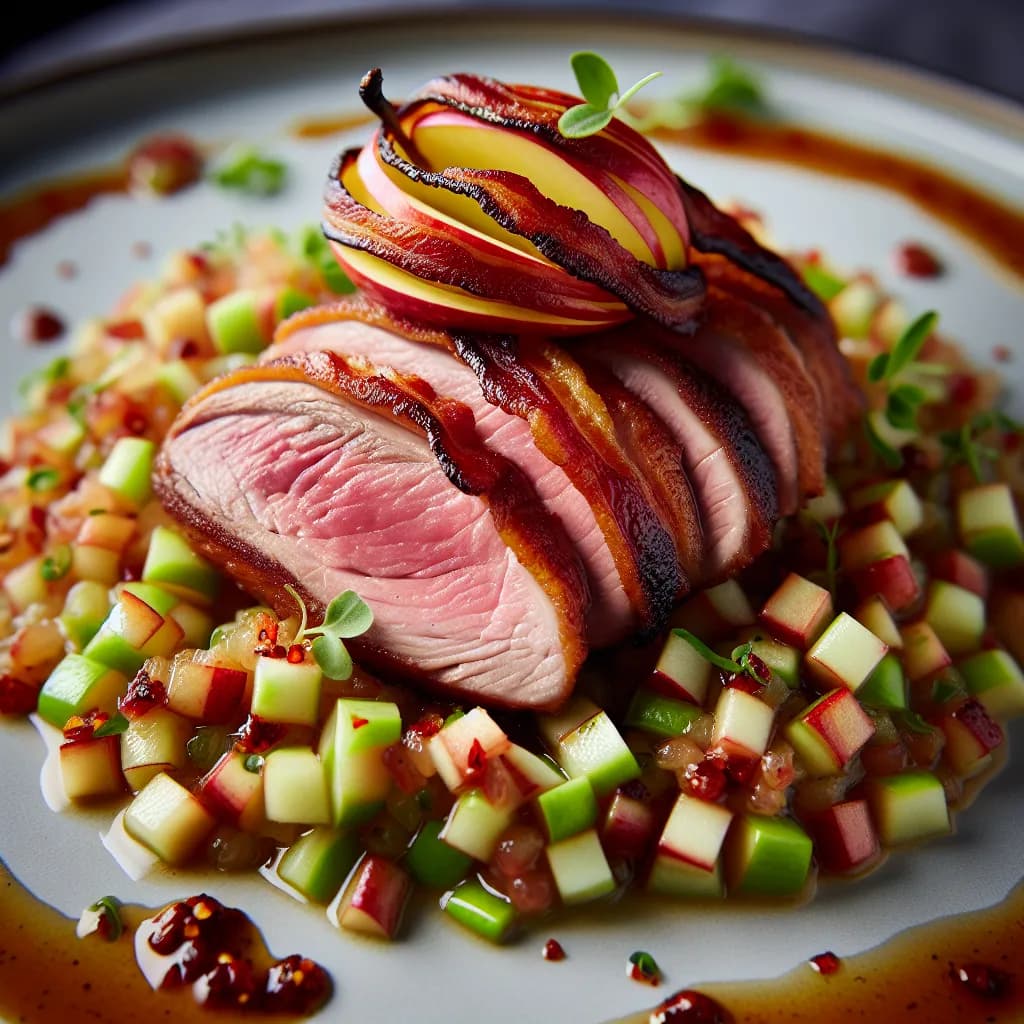
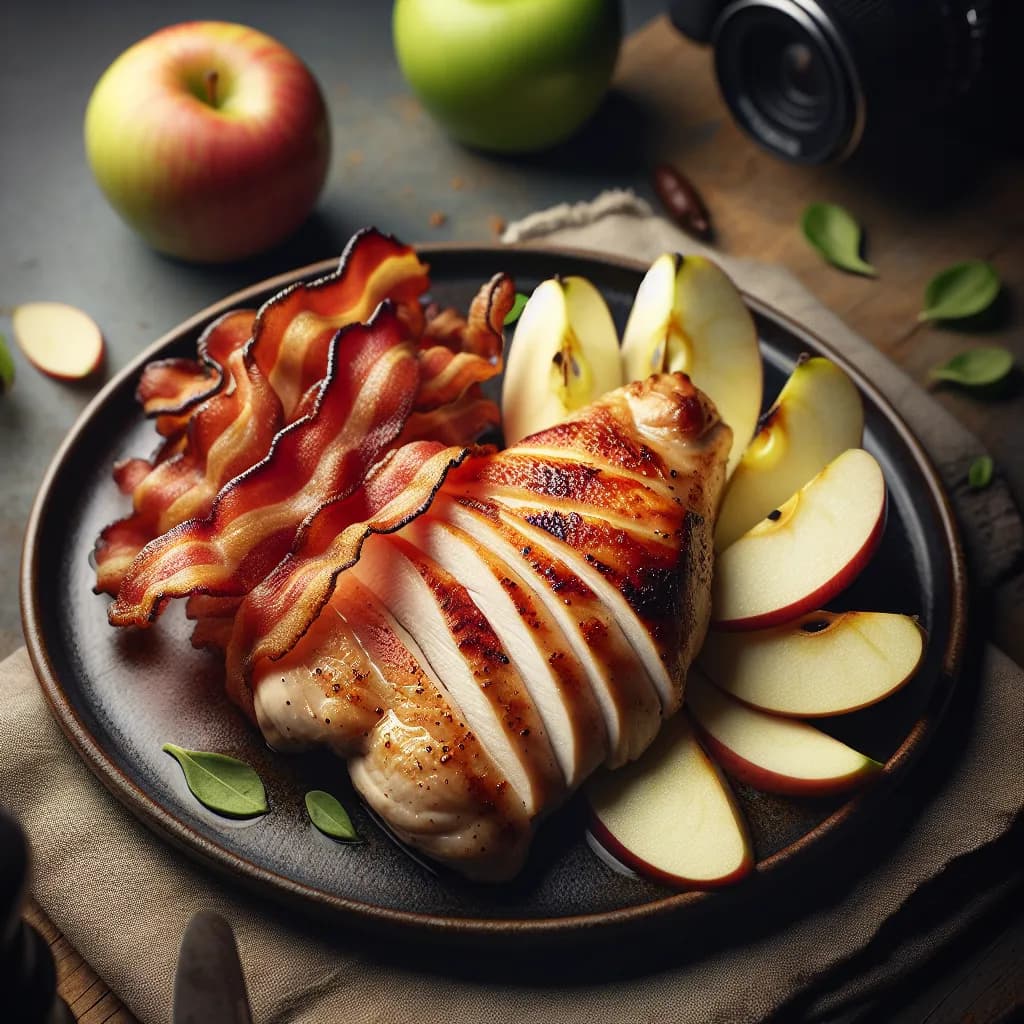
Chicken Breast with Apple and Bacon
Ingredients
- chicken breasts4 pieces
- apples2 pieces
- bacon8 slices
- butter1 tablespoon
Instructions
- 1
Preheat your oven to 375°F (190°C).
- 2
Season the chicken breasts with salt and pepper to taste.
- 3
In a large oven-safe skillet, melt the butter over medium heat.
- 4
Add the chicken breasts to the skillet and sear them for about 3-4 minutes on each side until golden brown.
- 5
Remove the chicken from the skillet and set aside.
- 6
In the same skillet, add the bacon slices and cook until crispy. Remove and set aside.
- 7
Core and slice the apples, then add them to the skillet. Cook for about 3-4 minutes until they start to soften.
- 8
Return the chicken breasts to the skillet, nestling them among the apples.
- 9
Crumble the cooked bacon over the chicken and apples.
- 10
Transfer the skillet to the preheated oven and bake for 20-25 minutes, or until the chicken is cooked through and reaches an internal temperature of 165°F (74°C).
- 11
Remove from the oven and let it rest for a few minutes before serving.
- 12
Serve the chicken breasts with the apples and bacon on top, and enjoy your meal!