
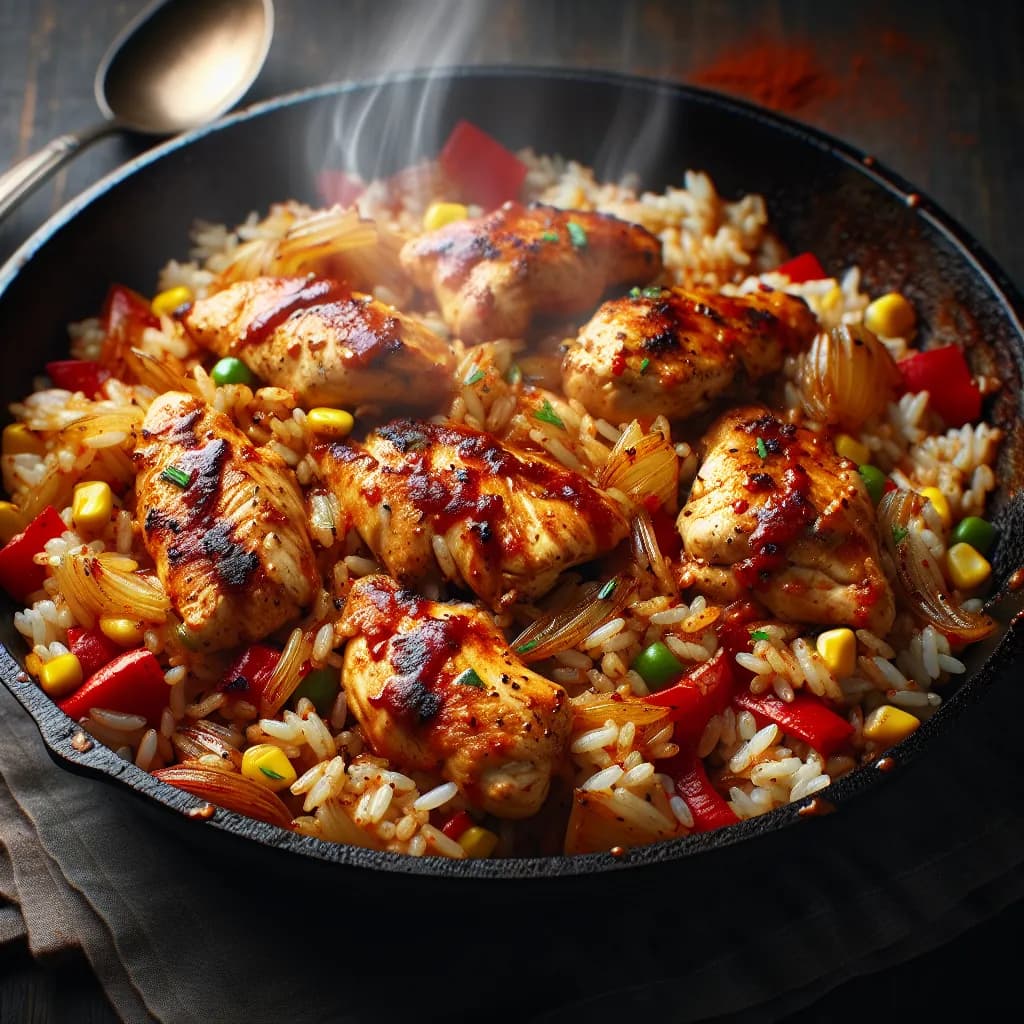
Made with AI
Spicy Chicken and Rice Skillet
35 min 238 kcal per serving Medium
Ingredients
4 Servings
- chicken breast400 g
- rice200 g
- red bell pepper1 piece
- green bell pepper1 piece
- onion1 piece
- garlic2 cloves
- olive oil1 tablespoon
- chili powder1 teaspoon
- paprika1 teaspoon
- cumin1 teaspoon
- saltto taste
Instructions
- 1
Cut the chicken breast into bite-sized pieces.
- 2
Dice the red bell pepper, green bell pepper, and onion.
- 3
Mince the garlic cloves.
- 4
Heat the olive oil in a large skillet over medium-high heat.
- 5
Add the chicken pieces to the skillet and cook until browned and cooked through, about 5-7 minutes.
- 6
Remove the chicken from the skillet and set aside.
- 7
In the same skillet, add the diced onion and minced garlic. Sauté until the onion is translucent, about 3-4 minutes.
- 8
Add the diced red and green bell peppers to the skillet and cook for another 3-4 minutes until they start to soften.
- 9
Stir in the chili powder, paprika, and cumin, and cook for 1 minute until fragrant.


