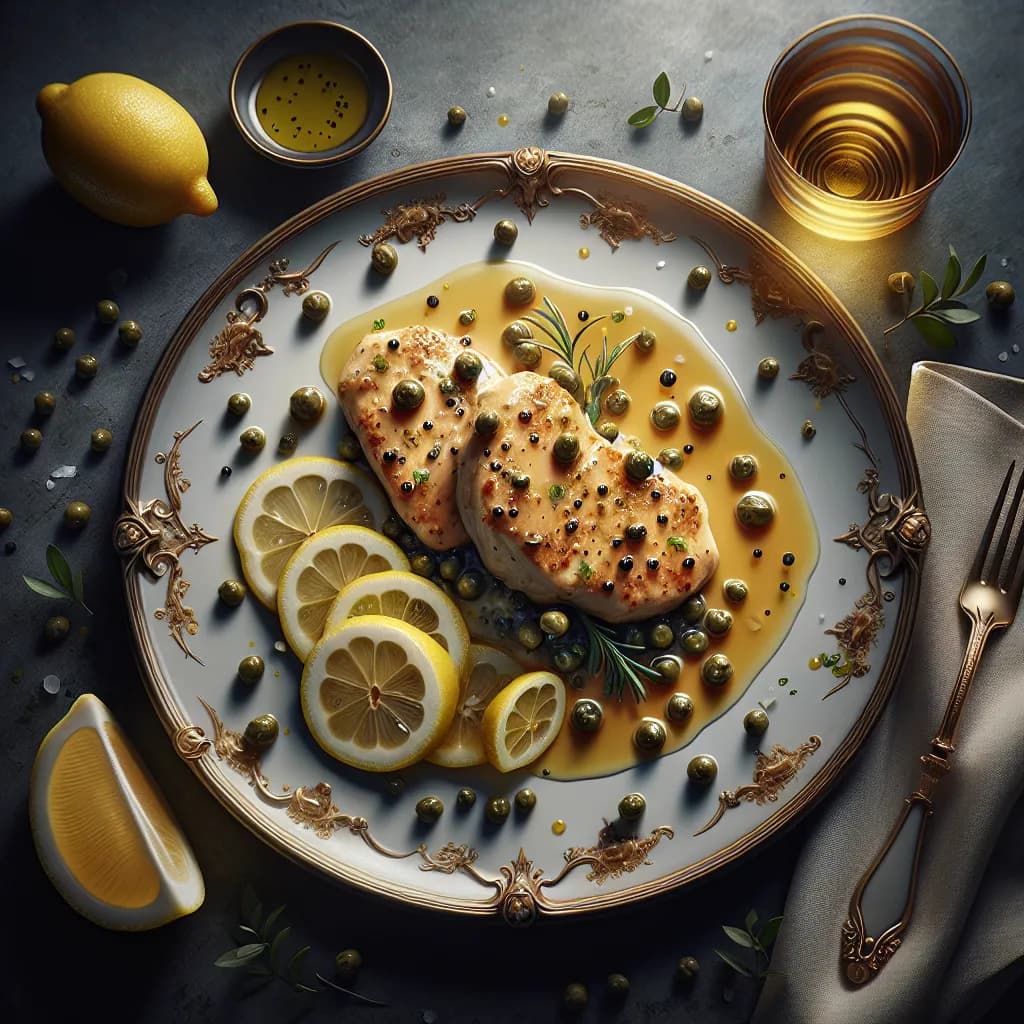

Made with AI
Chicken Piccata
Ingredients
- chicken breast400 grams
- all-purpose flour1/4 cup
- lemon juice1/4 cup
- chicken broth1/2 cup
- capers2 tablespoons
- olive oil2 tablespoons
- black pepper1/4 teaspoon
- salt1/4 teaspoon
- chopped parsley1/4 cup
Instructions
- 1
Pound the chicken breasts to an even thickness.
- 2
Season the chicken with salt and black pepper.
- 3
Dredge the chicken in flour, shaking off any excess.
- 4
Heat the olive oil in a large skillet over medium-high heat.
- 5
Add the chicken breasts to the skillet and cook until golden brown, about 3-4 minutes per side.
- 6
Remove the chicken from the skillet and set aside.
- 7
In the same skillet, add the lemon juice, chicken broth, and capers.
- 8
Bring the mixture to a boil, scraping up any browned bits from the bottom of the skillet.
- 9
Return the chicken to the skillet and simmer for about 5 minutes, or until the chicken is cooked through.
- 10
Remove the chicken from the skillet and place on a serving platter.
- 11
Pour the sauce over the chicken and garnish with chopped parsley.
- 12
Serve immediately.