
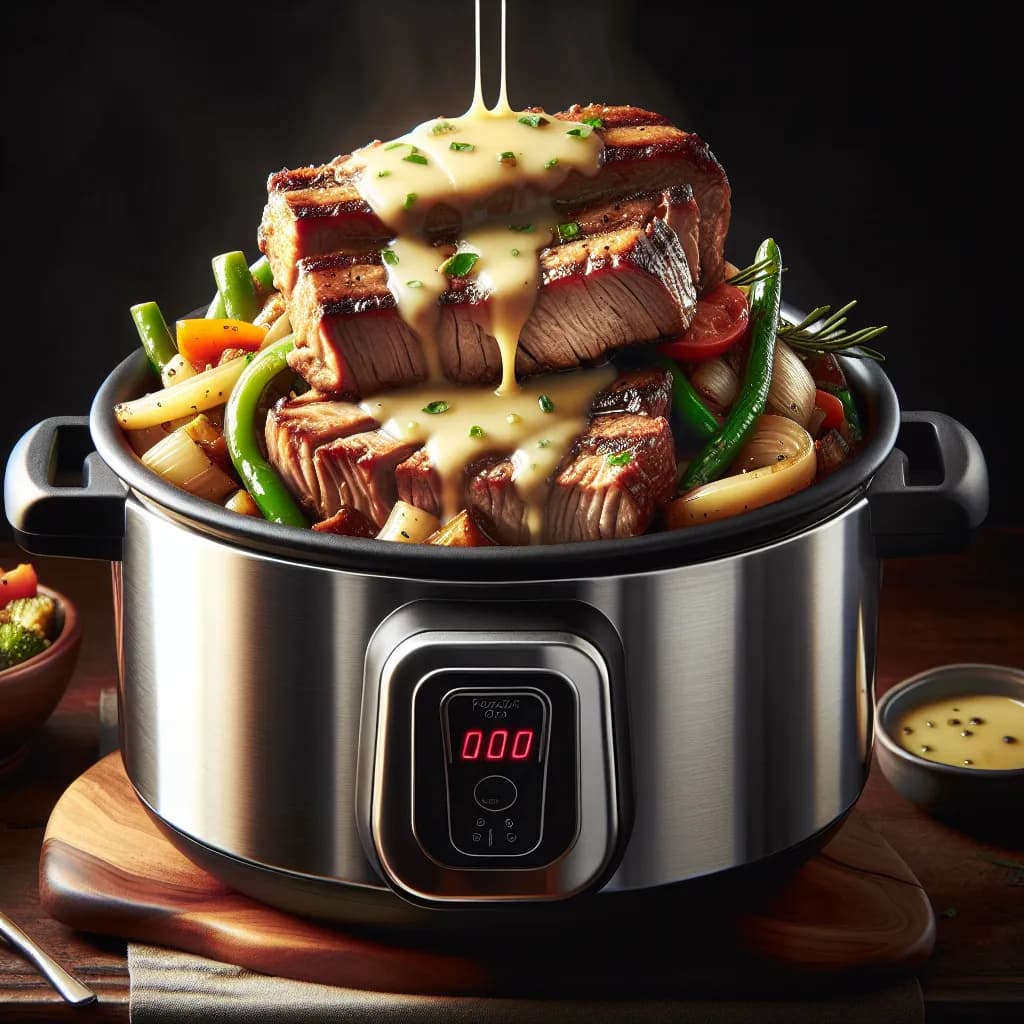
Made with AI
Pressure Cooker Pork Philly Cheesesteak
30 min 419 kcal per serving Medium
Ingredients
4 Servings
- pork tenderloin1 pound
- olive oil1 tablespoon
- onion1 large
- green bell pepper1 large
- mushrooms4 ounces
- provolone cheese4 slices
- hoagie rolls4 rolls
Instructions
- 1
Set your pressure cooker to the sauté function and add the olive oil.
- 2
Once the oil is hot, add the sliced onion, green bell pepper, and mushrooms. Sauté until the vegetables are tender, about 5 minutes.
- 3
Add the thinly sliced pork tenderloin to the pressure cooker and stir to combine with the vegetables.
- 4
Secure the lid on the pressure cooker and set it to high pressure for 10 minutes.
- 5
Once the cooking time is complete, perform a quick release of the pressure.
- 6
Open the lid and stir the mixture. If there is excess liquid, you can sauté for a few more minutes to reduce it.
- 7
Preheat your oven's broiler.
- 8
Slice the hoagie rolls and place them on a baking sheet.
- 9
Divide the pork and vegetable mixture among the rolls.


