
 1
1Made with AI
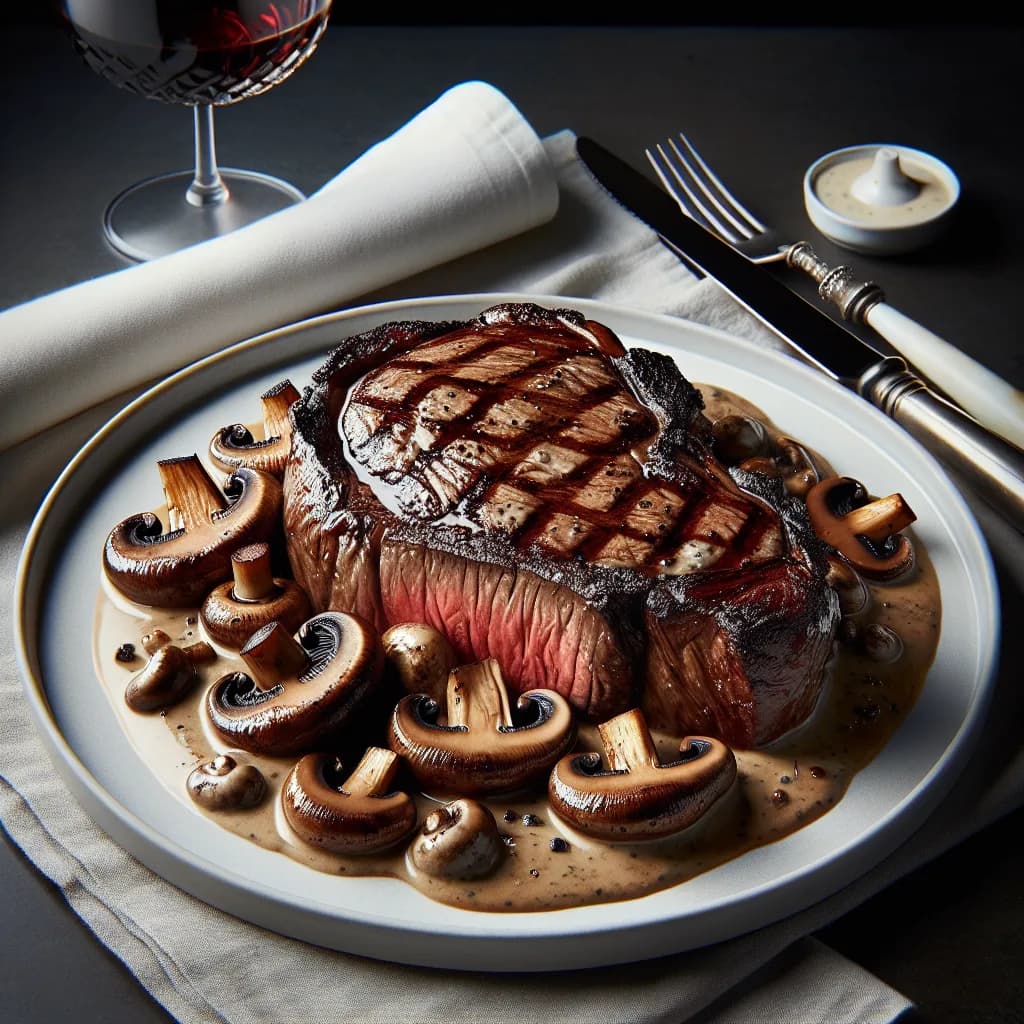
Ribeye Steak with Mushroom Sauce
Ingredients
4 Servings
- ribeye steak1 piece
- saltto taste
- black pepperto taste
- olive oil2 tablespoons
- mushrooms1 cup
- garlic2 cloves
- beef broth1/2 cup
- Worcestershire sauce1 tablespoon
- unsalted butter1 tablespoon
Instructions
- 1
Take the ribeye steak out of the refrigerator and let it sit at room temperature for about 30 minutes before cooking.
- 2
Season both sides of the steak generously with salt and freshly ground black pepper.
- 3
Heat the olive oil in a skillet over medium-high heat until hot.
- 4
Place the steak in the skillet and cook for about 4-5 minutes on each side for medium-rare, or until desired doneness is reached.
- 5
Once the steak is cooked to your liking, remove it from the skillet and let it rest on a cutting board or plate, covered loosely with foil.
- 6
In the same skillet, add the sliced mushrooms and cook until they are golden brown and have released their moisture.
- 7
Add the minced garlic to the mushrooms and cook for an additional 1-2 minutes, until fragrant.
- 8
Pour in the beef broth and Worcestershire sauce, and stir to combine, scraping up any browned bits from the bottom of the skillet.
- 9


