
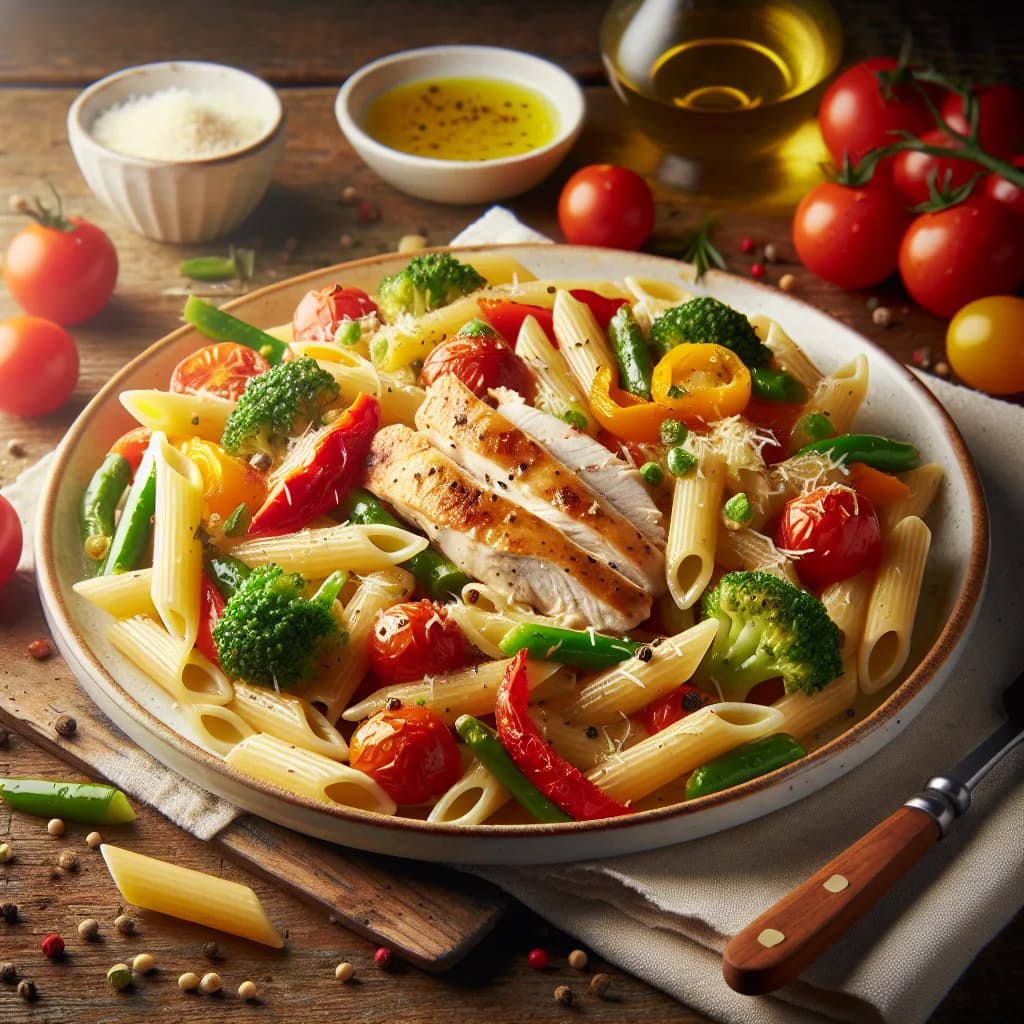
Made with AI
Chicken Primavera with Penne
45 min Medium
Ingredients
4 Servings
- penne pasta12 ounces
- chicken breast1 pound
- broccoli1 cup
- carrots2 medium
- onions1 medium
- tomatoes2 medium
- garlic3 cloves
- olive oil2 tablespoons
- parmesan cheese1/2 cup
Instructions
- 1
Bring a large pot of salted water to a boil. Add penne pasta and cook according to package instructions until al dente. Drain and set aside.
- 2
While the pasta is cooking, cut the chicken breast into bite-sized pieces. Season with salt and pepper to taste.
- 3
Heat 1 tablespoon of olive oil in a large skillet over medium-high heat. Add the chicken pieces and cook until golden brown and cooked through. Remove chicken from the skillet and set aside.
- 4
In the same skillet, add the remaining olive oil. Sauté the onions and minced garlic until translucent.
- 5
Slice the carrots into thin rounds and add them to the skillet. Cook for about 2 minutes.
- 6
Cut the broccoli into small florets and add to the skillet along with a splash of water to help steam the vegetables. Cover and cook until the vegetables are tender.
- 7
Chop the tomatoes and add them to the skillet. Cook until the tomatoes are soft.
- 8
Return the cooked chicken to the skillet with the vegetables and add the cooked penne pasta. Toss everything together and heat through.


