
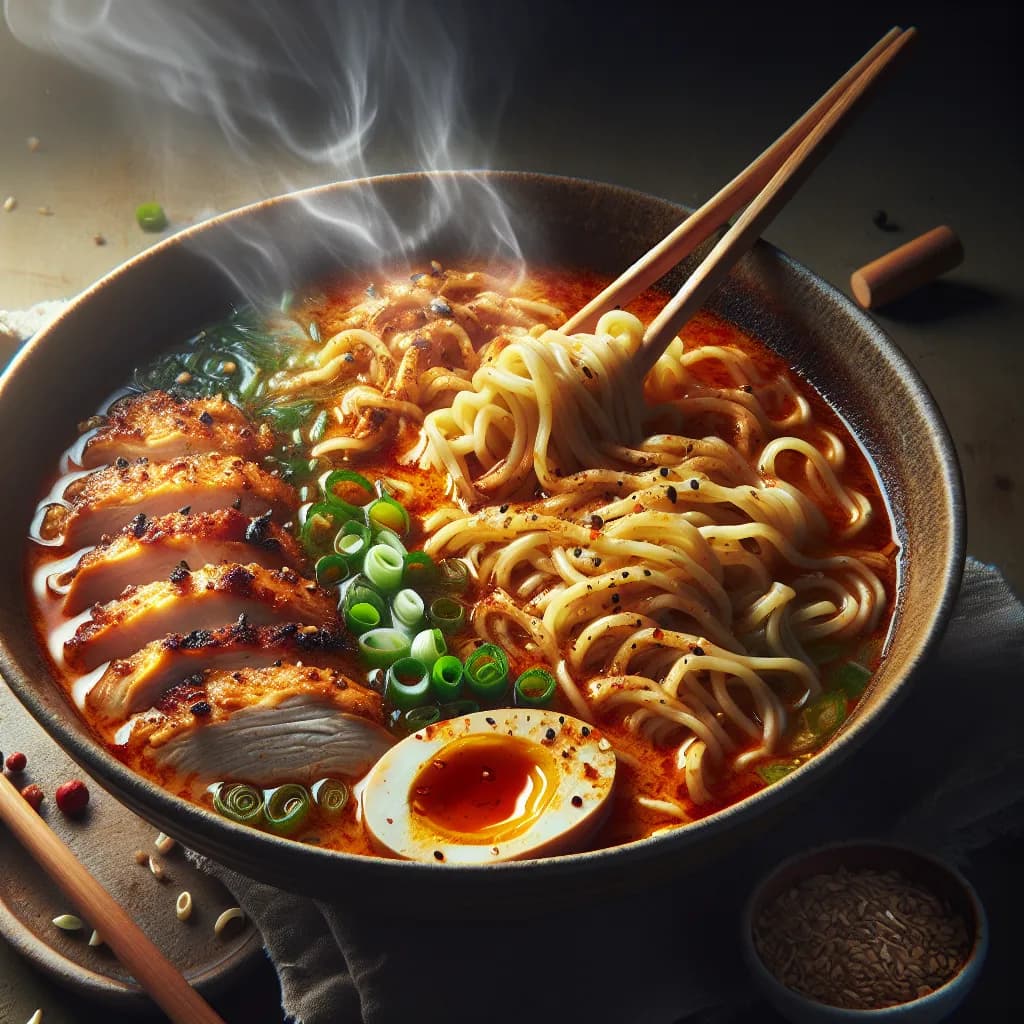
Made with AI
Spicy Chicken Ramen
60 min 568 kcal per serving Medium
Ingredients
4 Servings
- chicken breasts4 pieces
- eggs4 pieces
- flour1 cup
- chicken broth8 cups
- ramen noodles4 packs
- soy sauce2 tablespoons
- chili paste2 tablespoons
- sesame oil1 tablespoon
- green onions1 cup
- mushrooms1 cup
Instructions
- 1
Preheat the oven to 375°F (190°C).
- 2
Season the chicken breasts with salt and pepper.
- 3
Dredge the chicken breasts in flour, shaking off any excess.
- 4
Heat a large skillet over medium-high heat and add the sesame oil.
- 5
Sear the chicken breasts in the skillet until golden brown on both sides, about 3-4 minutes per side.
- 6
Transfer the chicken breasts to a baking dish and bake in the preheated oven for 20-25 minutes, or until fully cooked.
- 7
While the chicken is baking, bring the chicken broth to a boil in a large pot.
- 8
Add the soy sauce and chili paste to the boiling broth and stir to combine.
- 9
Cook the ramen noodles in the boiling broth according to the package instructions.


