
 1
1Instructions
- 1
Cook the fettuccine pasta according to the package instructions until al dente. Drain and set aside.
- 2
In a large skillet, heat the olive oil over medium-high heat. Add the marinated chicken and cook until fully cooked and browned, about 5-7 minutes. Remove the chicken from the skillet and set aside.
- 3
In the same skillet, add the minced garlic and sauté for about 1 minute until fragrant.
- 4
Pour in the milk and cream, stirring constantly. Bring the mixture to a simmer.
- 5
Gradually add the grated Parmesan cheese, stirring until the cheese is melted and the sauce is smooth.
- 6
Season the sauce with salt and pepper to taste.
- 7
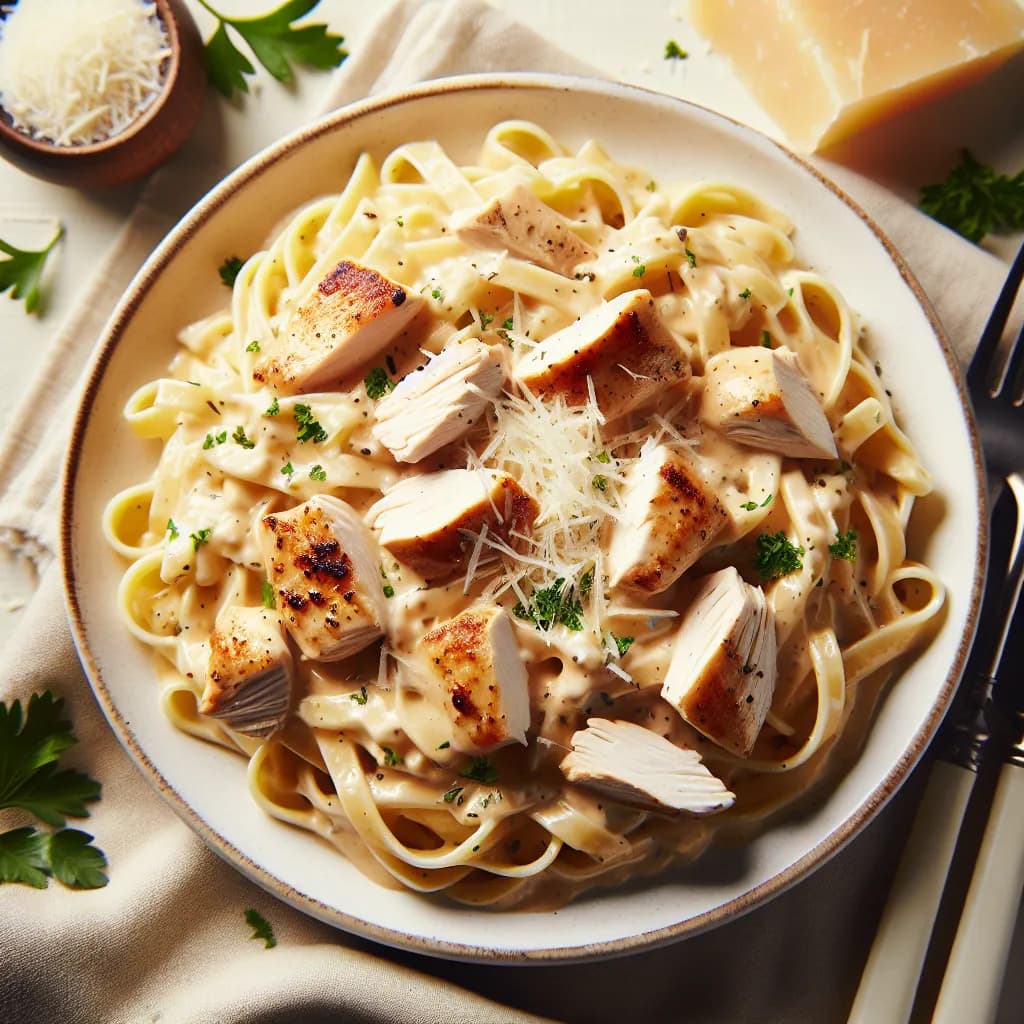
Add the cooked fettuccine pasta and the cooked chicken back into the skillet. Toss everything together until the pasta and chicken are well coated with the sauce.
- 8
Serve the Classic Chicken Alfredo Pasta hot, garnished with additional Parmesan cheese if desired.


