
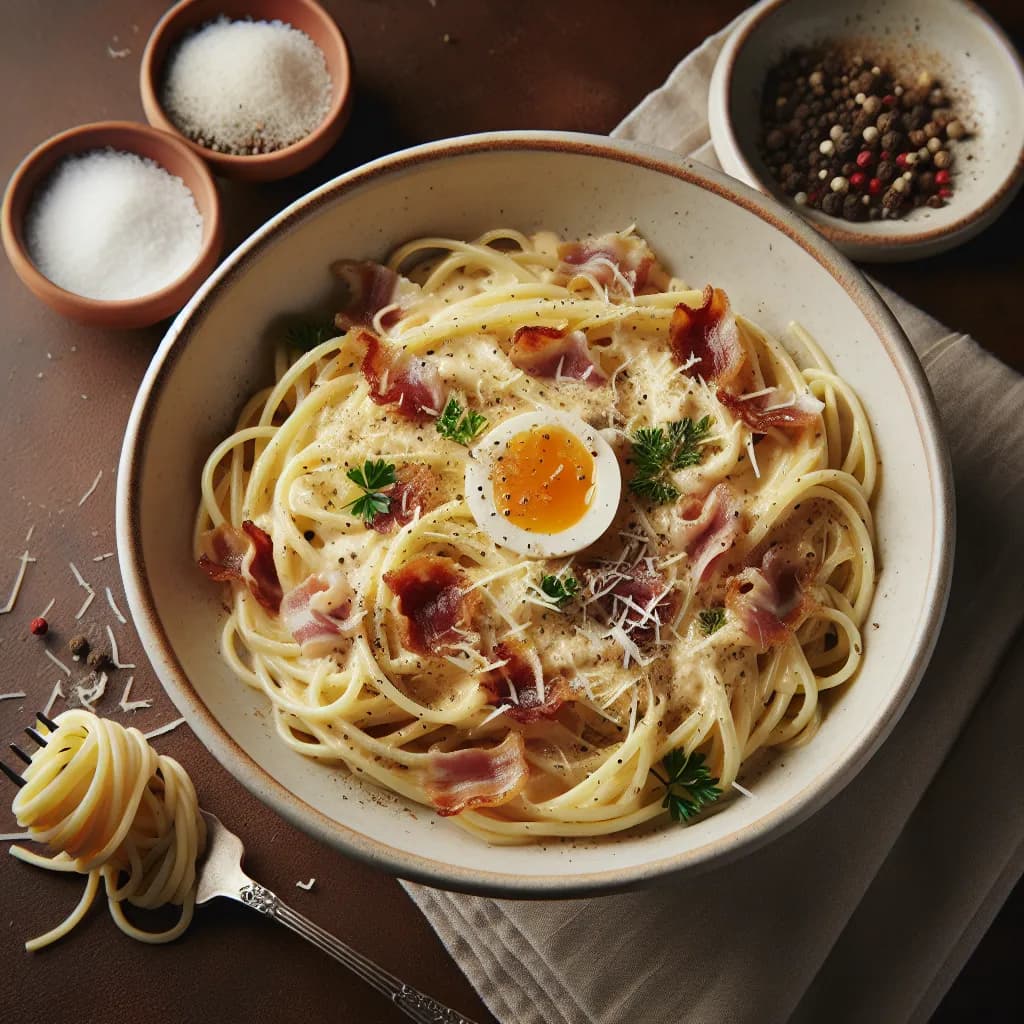
Made with AI
Classic Spaghetti Carbonara
30 min 592 kcal per serving Medium
Ingredients
4 Servings
- spaghetti400 g
- pancetta150 g
- large eggs2 pieces
- Pecorino Romano cheese50 g
- Parmesan cheese50 g
- garlic2 cloves
- saltto taste
- black pepperto taste
Instructions
- 1
Bring a large pot of salted water to a boil. Add the spaghetti and cook until al dente, about 8-10 minutes.
- 2
While the pasta is cooking, heat a large skillet over medium heat. Add the pancetta and cook until crispy, about 5-7 minutes. Add the garlic and cook for another minute, then remove the skillet from the heat.
- 3
In a medium bowl, whisk together the eggs, Pecorino Romano cheese, and Parmesan cheese.
- 4
Once the pasta is done, reserve 1 cup of the pasta water and then drain the pasta.
- 5
Quickly add the hot pasta to the skillet with the pancetta and garlic. Toss to combine.
- 6
Remove the skillet from the heat and add the egg and cheese mixture, tossing quickly to create a creamy sauce. If the sauce is too thick, add some of the reserved pasta water, a little at a time, until the desired consistency is reached.
- 7
Season with salt and black pepper to taste.
- 8
Serve immediately, garnished with additional grated Pecorino Romano and black pepper if desired.


