Made with AI
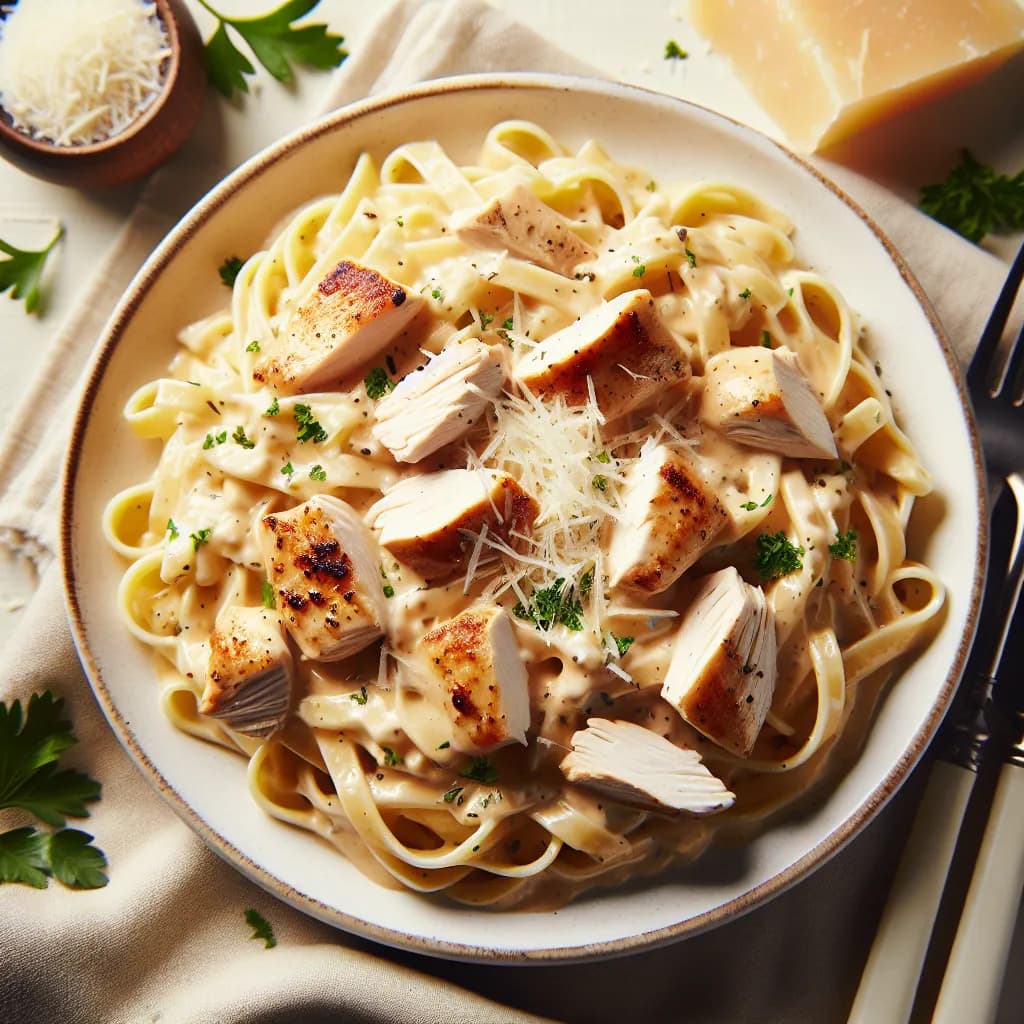
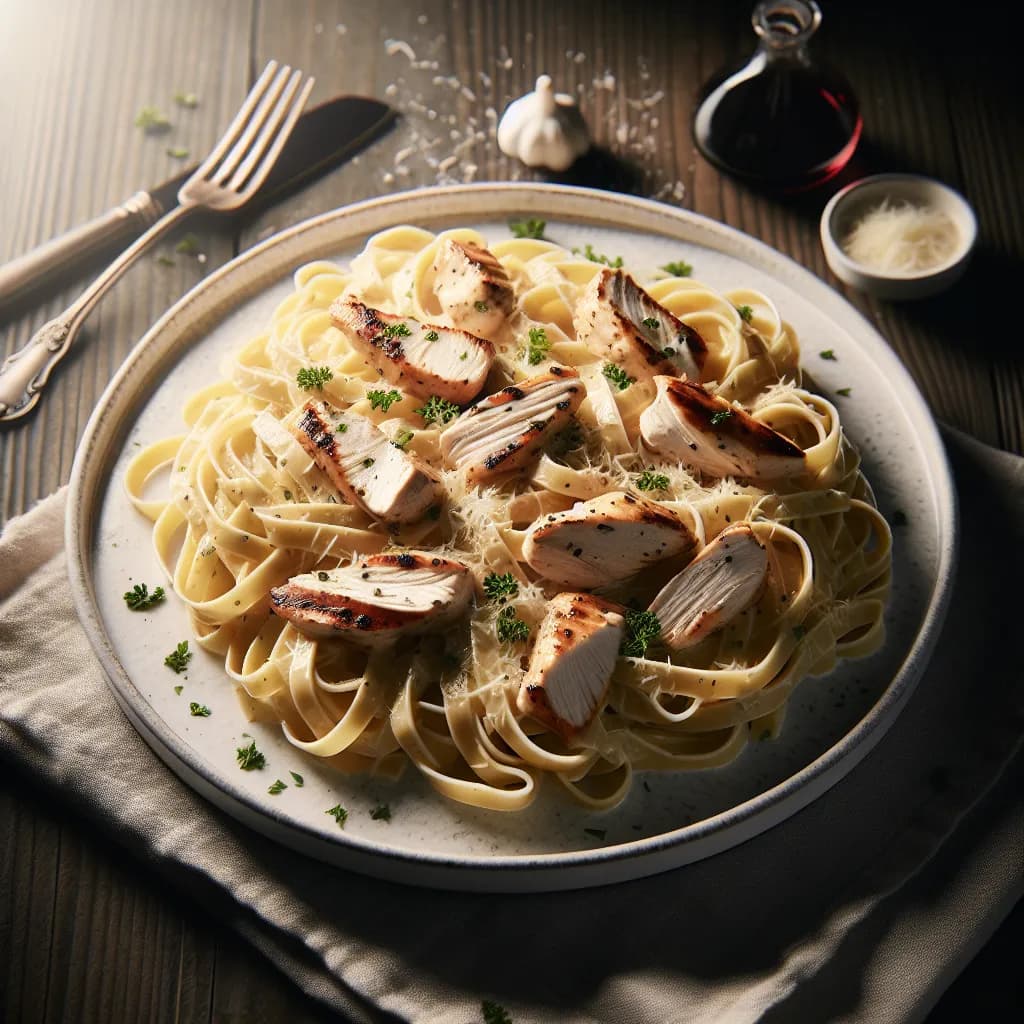
Classic Fettuccine Chicken Alfredo
Ingredients
- fettuccine pasta8 oz
- boneless, skinless chicken breasts2 pieces
- heavy cream1 cup
- grated Parmesan cheese1 cup
- unsalted butter2 tbsp
- garlic2 cloves
- saltto taste
- pepperto taste
- olive oil1 tbsp
- chopped parsley (optional)1 tbsp
Instructions
- 1
Cook the fettuccine pasta according to the package instructions. Drain and set aside.
- 2
Season the chicken breasts with salt and pepper.
- 3
In a large skillet, heat the olive oil over medium-high heat. Add the chicken breasts and cook until golden brown and cooked through, about 5-7 minutes per side. Remove from the skillet and set aside.
- 4
In the same skillet, melt the butter over medium heat. Add the minced garlic and cook until fragrant, about 1 minute.
- 5
Pour in the heavy cream and bring to a simmer. Cook for 5 minutes, stirring occasionally.
- 6
Stir in the grated Parmesan cheese until melted and the sauce is smooth.
- 7
Slice the cooked chicken breasts into strips.
- 8
Add the cooked fettuccine and chicken strips to the skillet with the Alfredo sauce. Toss to coat everything evenly.
- 9
Season with additional salt and pepper to taste.
- 10
Garnish with chopped parsley if desired.
- 11
Serve immediately and enjoy your Classic Fettuccine Chicken Alfredo.